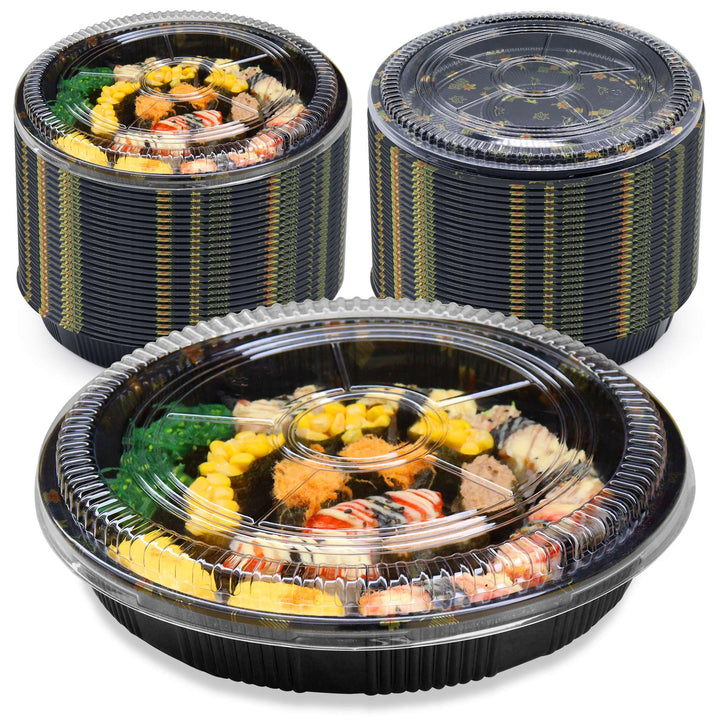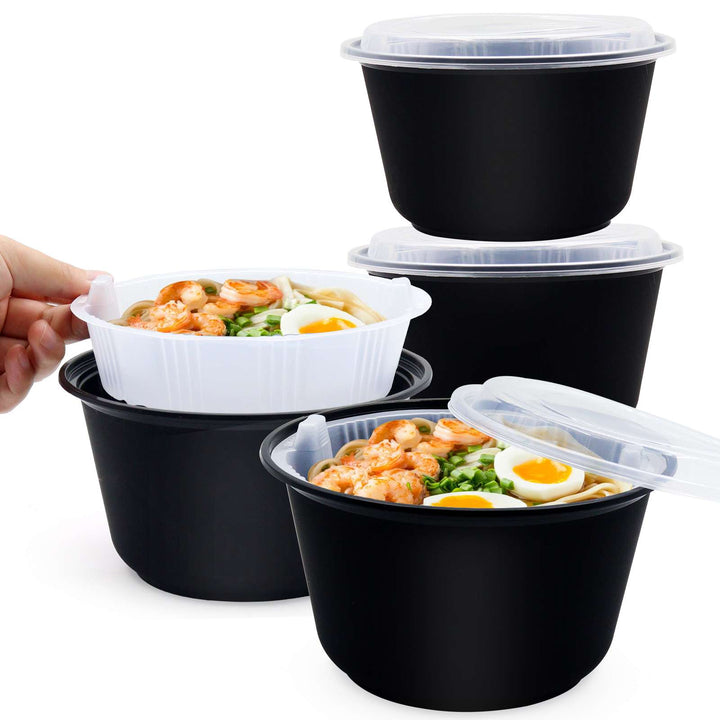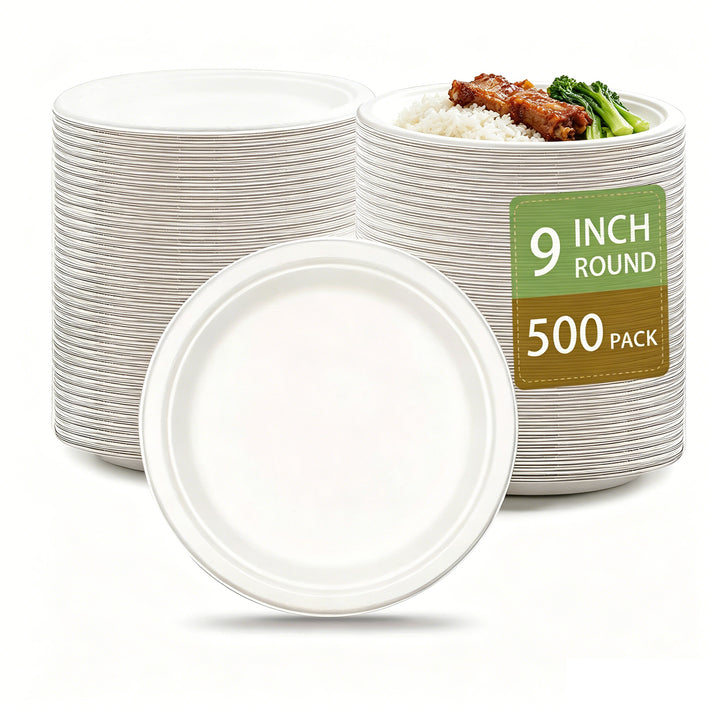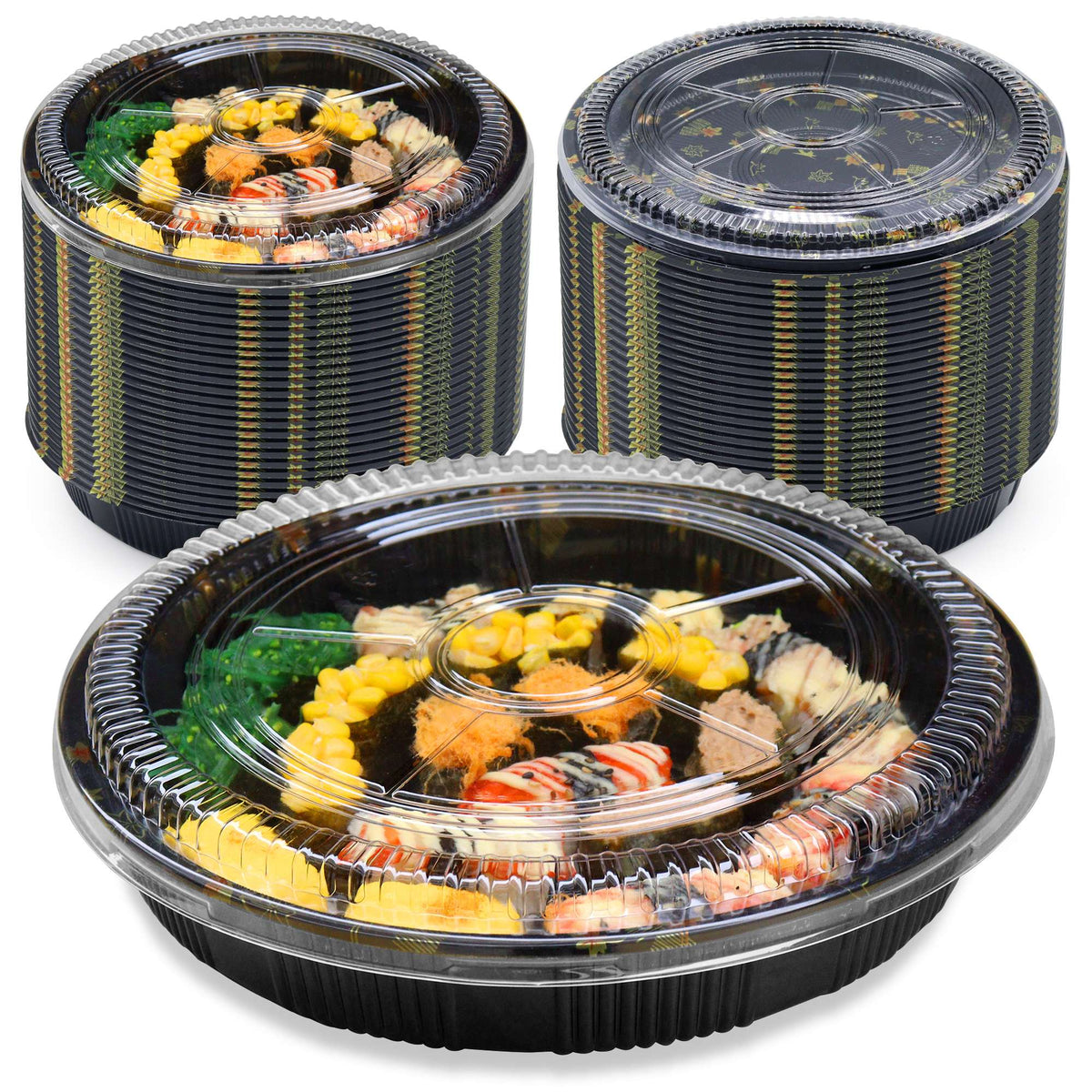
A useful packaging order starts with a clear record of what your kitchen needs. Before comparing prices, write down the food you will pack, the format you need and the number of portions you plan to serve. Then compare the exact product option, rather than relying on a photograph or size name.
1. Match the container to the food and service
List the foods, portion sizes and presentation requirements. A sushi platter, an individual salad and a soup-and-noodle meal can require different formats. Measure the space your food arrangement needs and compare it with the listed product dimensions. Ask whether measurements are internal or external if that distinction affects the fit.
Start with our guides for sushi restaurants, soup and noodle shops, or catering and events. For hot food, reheating or other specific conditions, confirm suitability for the exact material and product option before ordering.
2. Record the exact option and pack contents
Keep the product name, selected size or pack option, and SKU together on your purchasing list. Check whether a pack contains individual items or complete sets. Confirm whether lids, inserts or other components are included, especially when a product has separate with-lid and without-lid options.
- What does one selected option include?
- How many usable items or complete sets are in that option?
- Do lids need a separate purchase, and are they compatible?
- Does the cart quantity represent packs, rather than individual pieces?
3. Calculate the number of whole packs
Divide the number of required items or sets by the confirmed number in one pack, then round up. Calculate separately purchased lids and inserts in their own rows.
Illustrative example: if you need 450 complete sets and the selected pack contains 100 complete sets, you need five packs, providing 500 sets. This is a calculation example; check the actual selected product option before applying it to an order.
Decide any reserve quantity based on your own service plan. On our product pages, the displayed price applies to the selected option, and an order quantity of two multiplies that option by two.
4. Prepare a purchasing checklist
| Item to confirm | What to record |
|---|---|
| Product and option | Product name, selected size or pack and SKU |
| Fit and use | Required dimensions, portion arrangement and service conditions |
| Pack contents | Items or complete sets per pack, including any lids or inserts |
| Quantity | Required item count and calculated number of packs |
| Destination | Delivery ZIP code and relevant receiving requirements |
| Timing | Required date and anything that needs confirmation before ordering |
5. Confirm delivery and receiving requirements
Review the available delivery options and charges at checkout with your U.S. address. For larger or time-sensitive orders, send your product list, selected options, quantities, ZIP code and required date through Bulk Orders. Include receiving restrictions that matter to the order, such as business opening hours or access arrangements, and ask our team to review them.
Confirm availability and delivery before relying on an arrival date. Read Shipping Information for the current ordering process.
6. Check the delivered products before your next service
Compare the delivered labels, sizes and quantities with the order record. Check the condition and whether the components match your confirmed selection. If anything needs attention, use Order Support and include the order reference, product details and relevant photos. Keep your purchasing list for the next order so you can identify the same option accurately.
Ready to build your list? Browse packaging and supplies, or send a bulk enquiry with the options you are considering.